THE FRAME STUDIO GUIDE
Create AI art for your Frame TV that fits your room
A practical approach to prompts, reference photos, composition, and sharing finished TV art.
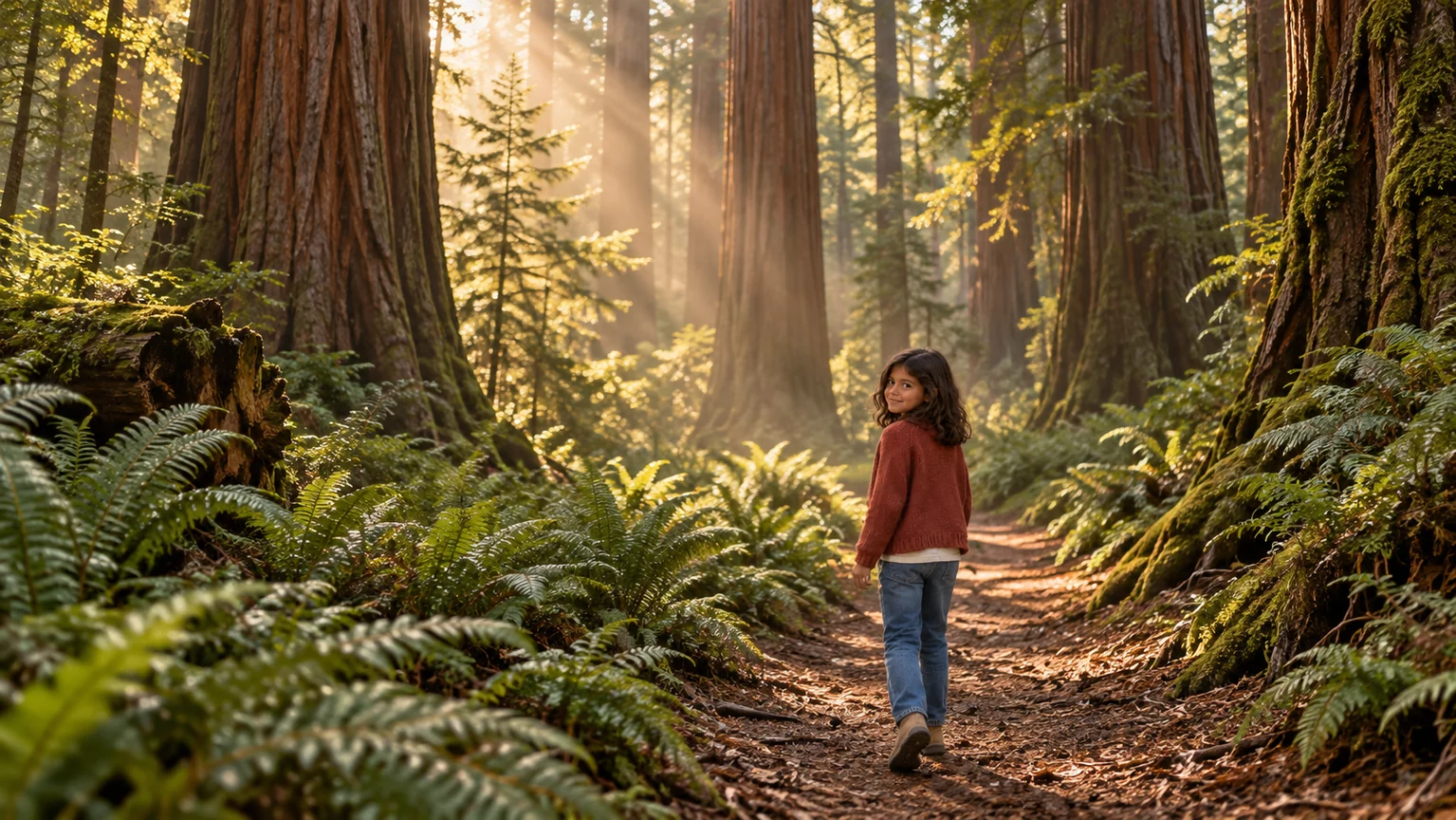
Begin with the room, then choose a subject
Look at the colors already around the TV: walls, upholstery, wood, and the objects you want to keep. Choose two or three colors for the artwork so it feels intentional without needing to match every surface.
A landscape, botanical scene, still life, or loose abstract composition can work as a starting point. Think about the energy you want when the TV is not in use. A room with many patterns may benefit from simpler shapes and more open space.
Give the prompt a subject, palette, and composition
Describe what should be in the picture, how it should feel, and where the visual weight should sit. Add a medium such as oil painting, watercolor, or photography if you have a preference. You do not need to specify every small detail.
For example: “A quiet coastal landscape in muted olive, warm ivory, and soft blue. Low horizon, open sky, broad oil-paint brushwork, and a small cluster of flowers to the left. Landscape composition for a calm living room.”
In the studio, Try an idea gives you an editable starting point. Spruce this up expands a prompt you have written; you can review it and undo the change before generating. These tools help you describe an idea, and do not replace reviewing the final image.
Use reference images with a clear purpose
A reference photo can communicate a palette, a place, or a subject more clearly than a long description. Add only images you have permission to use, and explain what you want to carry into the new artwork.
The result is generated rather than an exact reproduction of the reference. Check recognizable features and important details carefully. If you want to display your original photo unchanged apart from its fit and size, use Re-sizer instead of AI generation.
Review the image before preparing 4K
Look at the composition first, then inspect distracting edges, unexpected objects, and any text. Consider how it will read from across the room. Small details that look compelling on a phone can become busy on a large display.
Approve the image when you are happy with it, adjust the crop as needed, and prepare the 3840 × 2160 export. The studio saves a JPEG for transfer and a PNG master. Keep the original in your collection so you can return to it later.
Ready to make it yours?
Create artwork or prepare a photo in the studio. See current credits and membership pricing.
Open Frame Studio