SKYWORTH · THE FRAME STUDIO GUIDE
How to display your own art on SKYWORTH Canvas TVs
Use a personal Google Photos album on Google TV, and check your exact model before following Art Time upload instructions.
Google TV provides a personal-photo screensaver route. SKYWORTH’s Art Time gallery is a separate feature, and its import controls are not documented consistently across these models.
Applies to: US C1 Canvas Art TV and Canvas Elite Google TV models. The regional LN8600G Frame+ upload option is described separately below.
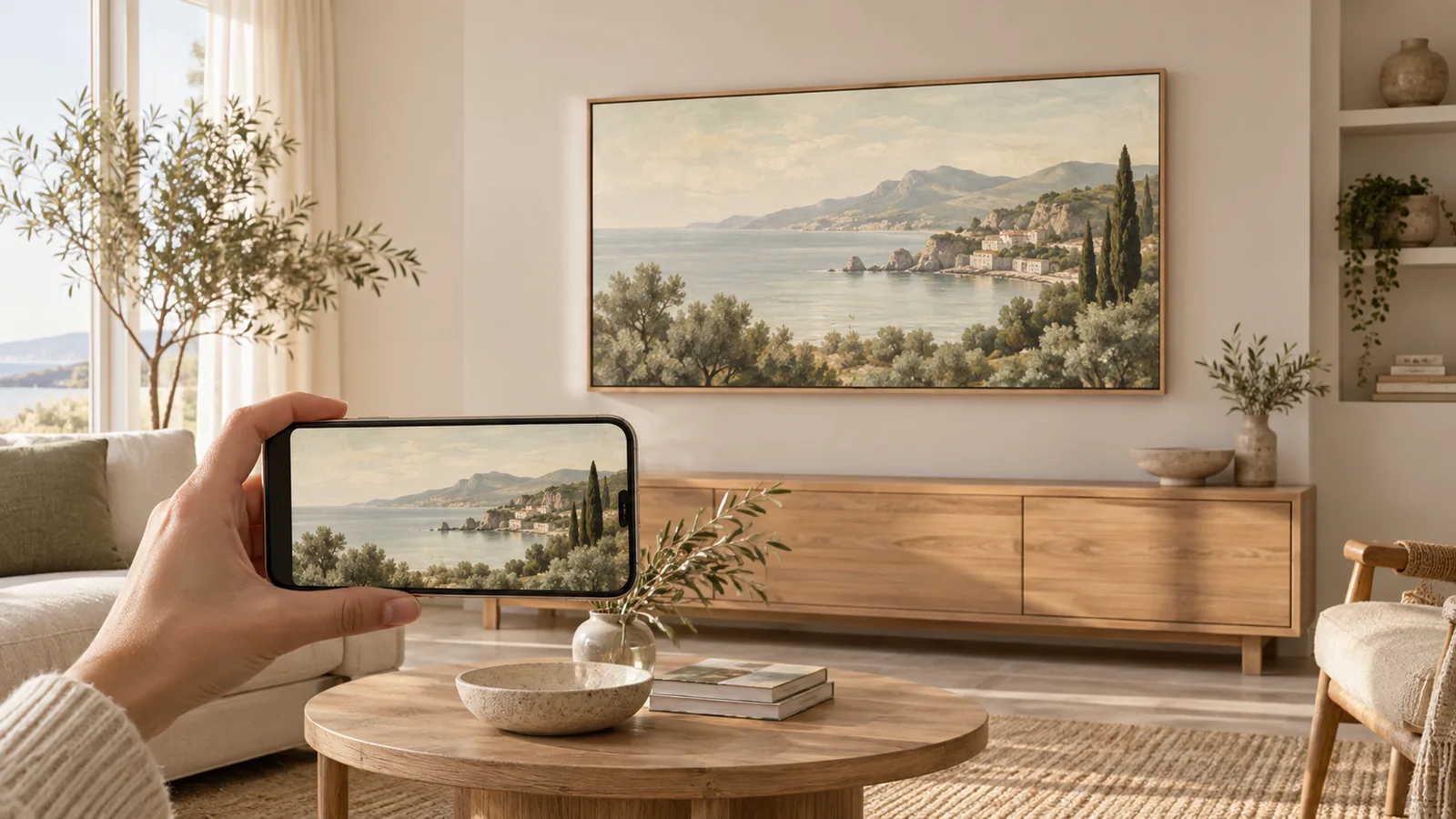
- 01 · Prepare your image
Download the artwork file with the crop you want.
- 02 · Follow your TV’s guide
Use its supported app, photo album, or USB import.
- 03 · Make it feel at home
Review the fit and presentation on your own screen.
Before you start
- Your finished image in a dedicated Google Photos album
- Access to the Google Account used for that album
- Your TV’s model number for any Art Time-specific upload method
Choose between Google TV and Art Time
SKYWORTH identifies C1 Canvas Art and Canvas Elite as Google TV products; the Elite also includes Art Time 2.0. Start by deciding whether you want a Google TV screensaver or artwork inside the TV’s own art app.
The public US product pages do not establish a universal phone or USB import sequence for Art Time on C1 and Canvas Elite. We therefore use the documented Google TV photo workflow here, rather than assigning menu names from a different regional TV.
Prepare the artwork before you transfer it
Download the finished image, rather than taking a screenshot of its preview. For a landscape 4K TV, Frame Studio prepares a 3840 × 2160 JPEG. Open the download once to check that it contains the artwork you want, with the crop you intended.
Keep an unedited original. Give the TV copy a recognizable name, such as olive-coast-4k.jpg, so it is easy to find beside your family photos. If you added a border to the file, remember that a second matte on the TV will make the artwork smaller.
Set up a personal-art screensaver
Put your finished JPEG in a Google Photos album reserved for TV artwork. Then follow the linked Google TV guide to select that album in Ambient Mode and verify the account.
Once you have selected the album, check the resulting screensaver on the TV. Changing the Google TV photo source does not mean the image has been imported into an Art Time collection. Keep those two destinations separate when you troubleshoot.
Regional Frame+ TVs: QR and USB may be available
SKYWORTH Malaysia explicitly lists USB-drive and phone QR-code uploads for its LN8600G Frame+ model. If that is your TV, use the personal-photo upload controls in its art software and follow the QR or USB prompts on the screen.
That regional feature description is not evidence of identical C1 or Canvas Elite menus. If your own Art Time app offers an import feature, use its on-screen instructions and the manual for your exact model.
Build a collection that works from across the room
Start with one artwork to confirm the workflow, then add a few alternatives. Similar palettes make a rotation feel intentional; unrelated bright and dark images can draw more attention to the screen than you intended.
Inspect your downloaded file before blaming the transfer. A screenshot of a preview can include a frame, border, or surrounding page, all of which become part of the picture on the TV. Use the actual image download and keep its original proportions.
If you see the wrong artwork or a missing album
Check the display mode first. If you configured a Google Photos album but opened Art Time to test it, you are checking a different feature. Return to the Google TV screensaver you set up.
Next, check the Google Account and selected album using the Google TV guide. Give your test image a recognizable subject so you can tell a successful transfer from a similar built-in landscape. Save your original locally even when you keep a second copy in the cloud.
Sources and model notes
These manufacturer instructions were checked on September 27, 2026. Menu names and availability can change with your model, country, and software. This guide is based on documentation, not a hands-on test of every TV.
One image. A different room.
Create artwork or prepare a photo in the studio, then come back here to put it on your TV. See credits and membership pricing.
Open Frame Studio